Notepad++ plugin
Format on Save
Turn Format on Save on once, and you never have to think about reindenting again: every file you save gets automatically tidied first, using your current YAML settings. Ideal if you want to enforce consistent YAML without keeping track of it yourself.
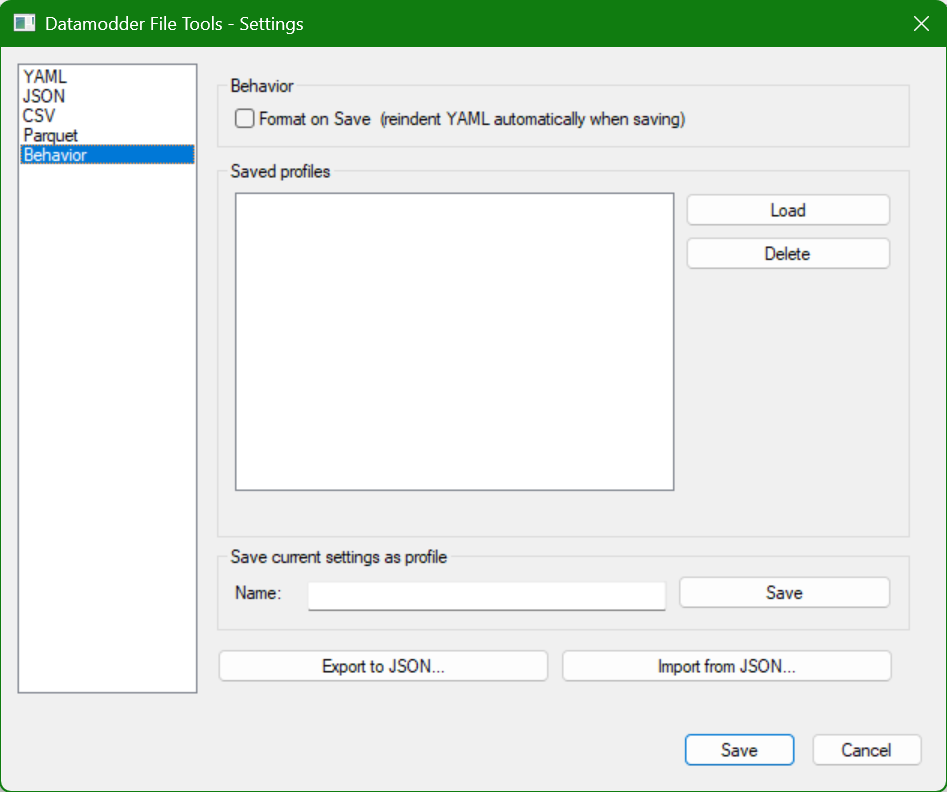
Plugins → Datamodder File Tools → Format on Save
On/Off sits as a submenu directly in the Datamodder File Tools menu, with a checkmark on the active state. The plugin listens to Notepad++'s own save events (NPPN_FILEBEFORESAVE and NPPN_FILESAVED) and applies the same logic as Reindent / tidy — with a short debounce so the file isn't processed twice for one press of Ctrl+S. The on/off state is saved to the settings ini and so survives a Notepad++ restart.
Frequently asked questions
Does this also format JSON or CSV files on save?
No — Format on Save specifically applies the YAML reindent/tidy logic, using your YAML settings. For JSON or CSV, use the corresponding menu items manually.
Can the file get tidied twice from one save?
No — the plugin reacts to two separate Notepad++ save events, but an internal one-second debounce ensures the tidy action only runs once per save.