Notepad++ plugin
Convert Quotes & number format
Two small but time-consuming conversions that often go hand in hand with switching between dialects: which quote character your database expects, and which thousands/decimal separator your figures use. Both can be done independently, without reformatting the rest of the query.
Convert Quotes: from backtick to single quote (or back)
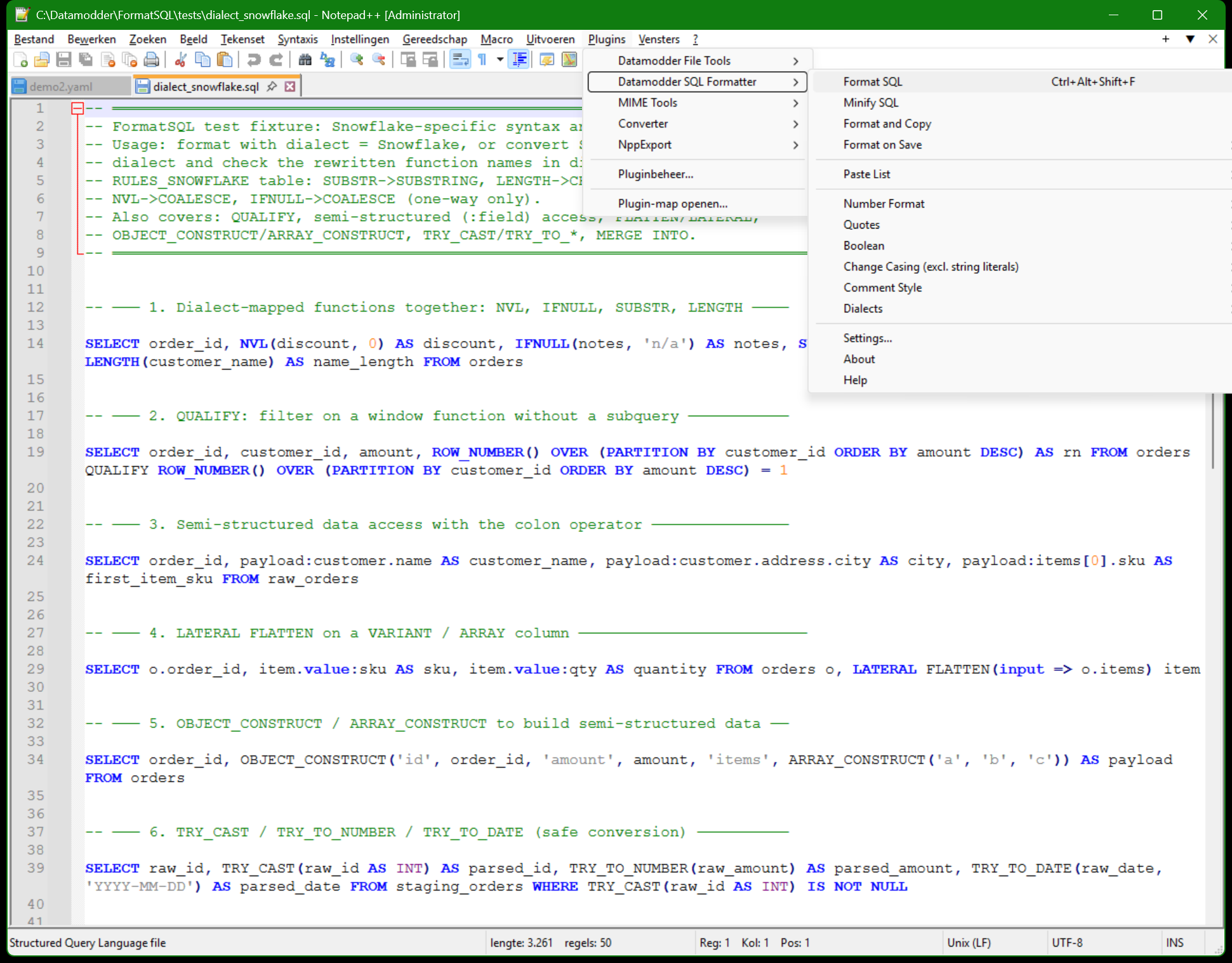
MySQL uses backticks for identifiers, Snowflake and PostgreSQL use double quotes, and string values usually sit between single quotes. Plugins → Datamodder SQL Formatter → Quotes opens a small dialog with a From and a To dropdown; pick the pair and the conversion runs across the whole selection or document.
Before
SELECT `customer_name`, `status` FROM `orders` WHERE `status` = "active"
After
SELECT 'customer_name', 'status' FROM 'orders' WHERE 'status' = 'active'
Number format: Dutch ↔ English notation
1.234,56 (Dutch) versus 1,234.56 (English) — a classic source of mistakes when you retype a report figure into a WHERE clause or test fixture. Plugins → Datamodder SQL Formatter → Number Format converts numbers in the query to the chosen format, without touching column names or other text.
Before
SELECT * FROM orders WHERE amount > 1.234,56 AND discount < 0,15
After
SELECT * FROM orders WHERE amount > 1,234.56 AND discount < 0.15
Frequently asked questions
Does this also change quotes inside comments or string content?
No — the conversion looks at the quote character's role in the SQL syntax (identifier vs. string), not at loose characters, so text inside a -- comment or already inside a string value is left alone.
Can I combine this with a dialect conversion in one step?
They're separate actions, but quick to run back-to-back: convert the dialect first, then use Quotes or Number Format if that specific dialect expects a different quote character.